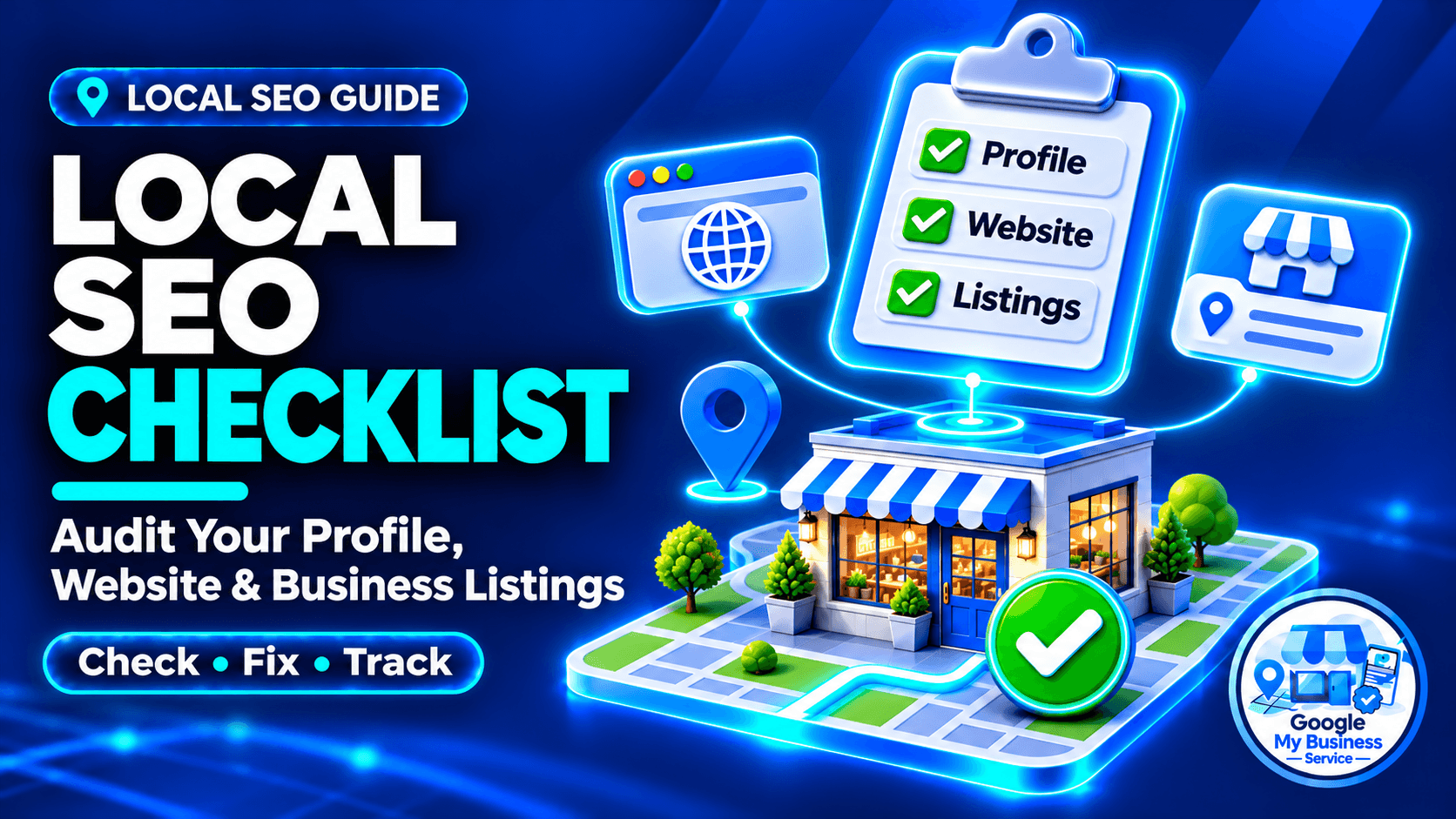
A complete local SEO checklist helps your business show up on Google Maps, local pack results, and AI-driven search.
It does this by helping you find inaccurate information, weak website pages and broken customer journeys. Completing the checklist does not guarantee a ranking or an AI citation. The useful outcome is a business that customers can find, understand and contact.
This guide turns local SEO for small businesses into an audit you can repeat. Work through the checks, record evidence and fix the most consequential failures first.
What should a local SEO checklist include?
A local SEO checklist should cover your Google Business Profile, website content, technical accessibility, business listings, reviews, relevant local references and measurement. Start with eligibility and working contact routes, then improve relevance and reputation. For each check, record what you inspected, whether it passed and who will fix any problem.
| Audit area | What a useful result looks like | Priority |
|---|---|---|
| Profile status and business information | The correct eligible business is represented accurately | Fix blockers first |
| Customer contact routes | Calls, forms and booking links reach the right team | Fix blockers first |
| Website content and indexing | Useful service pages can be accessed and found | High |
| Listings and citations | Important sources show current business details | High |
| Reviews and reputation | Genuine feedback is requested fairly and handled well | Ongoing |
| Content and local references | Information and links reflect real expertise and relationships | Planned growth |
| Measurement | Customer actions can be distinguished from actual leads | Establish early |
Google describes local rankings through relevance, distance and prominence. Accurate information can strengthen relevance, while genuine reviews and links can support prominence. Your actual location still matters. See Google’s local ranking guidance.
Before you start: identify the business and record a baseline
Create one master record for each genuine business location. Include its recognized name, appropriate public address or coverage details, phone, website, hours, main services and profile URL. Record who can authorize changes. This avoids correcting a listing against an outdated spreadsheet.
| Business model | What to check |
|---|---|
| Storefront | Customers can visit the eligible location; address, map pin and hours reflect reality |
| Service-area business | The business travels to customers; an address where customers are not served is hidden |
| Hybrid | The qualifying premises receives customers and the business also travels to them |
| Multiple locations | Each eligible branch has its own correct details and relevant website destination |
| Online-only | Targeting a city does not establish GBP eligibility; check Google’s applicable rules before setup |
Google’s business representation guidelines explain the underlying requirements. For travelling businesses, use our detailed service-area address rules.
Before editing, save the current public details, important landing-page URLs and recent performance for a defined period. Record the date, search terms and search locations used. A single search from your office is an observation, not a complete visibility report.
Use four statuses: Pass, Fix, Investigate and Not applicable. A hidden address on a correctly configured service-area profile can pass; a field should not fail simply because it is blank or unavailable.
1. Audit your Google Business Profile
Confirm access, verification and profile status
- Search for the existing business before creating another listing.
- Confirm that the business retains appropriate ownership and that authorized people can manage the correct profile.
- Check verification and any pending restrictions or requests.
- Investigate suspected duplicates rather than creating another profile to work around them.
Pass evidence: the correct business and location are accessible in the managing account, with their current status understood. If verification is needed, follow the methods Google offers. You cannot choose an unavailable method; see Google’s verification instructions.
A suspended profile needs its policy issue resolved through the appropriate official process. Creating a replacement to evade a restriction is not an optimization task.
Check identity, categories and business details
- Use the real-world business name without added service or city keywords that are not part of that name.
- Choose an accurate primary category and only relevant additional categories.
- Confirm the phone reaches the correct business or branch.
- Check the address or service-area configuration and public location details.
- Update regular hours and applicable holiday or special hours.
Pass evidence: someone comparing the profile with the actual business and website would recognize the same business, offer and location.
Do not extend your hours simply to look more available in search. Do not copy a competitor’s category unless it describes your own operations. Our guide to choosing GBP categories explains the decision in more detail.
Review services, description, media and available features
- Describe the services, products or menu items actually offered, using the fields available to the profile.
- Explain the business clearly in the description without repetitive keywords or unsupported claims.
- Use authentic current photos that help customers recognize the premises, team, products or work.
- Check supported booking links, attributes, updates and customer questions for accuracy.
Pass evidence: important customer questions have accurate answers, and public images or offers do not misrepresent the business. Feature availability varies; an unsupported field is not a failed audit item.
Use our guides to writing a business description and Google Business Profile photos for detailed examples. The dedicated GBP optimization checklist expands the profile-only checks.
Maintain updates when there is useful news or changed information. A fixed photo count or weekly posting schedule is not a guaranteed ranking formula.
2. Audit your website content and contact journey
Match each important service to a useful page
- Check that your main services are explained on the website.
- Give important pages a descriptive title and clear main heading.
- Include location information where it helps explain the actual offer.
- Make pricing information, service limitations and the next step clear where relevant.
Pass evidence: a visitor can tell what the business provides, where it works and whether the service meets their needs without searching another page for basic answers.
For a fictional repair company, “Boiler Repair in Leeds | Example Heating” is a sensible title if that page genuinely serves that intent. Every heading does not need the city repeated, and an unrelated advice article does not need a local title formula.
Review location and service-area pages
- Distinguish actual branches from places the business travels to.
- Include useful local details, such as genuine availability, access instructions or relevant work examples.
- Check that location pages link to the correct contact and service information.
Pass evidence: each page serves a distinct customer need and adds meaningful information. Changing a city name in otherwise identical copy is insufficient. Google’s spam policies address doorway pages created around similar queries.
Test how a customer contacts you
- Open the profile’s website link on a phone and confirm the destination.
- Test call, email, messaging and booking links.
- Check forms for clear labels, understandable errors and a working confirmation.
- Confirm that an authorized test enquiry reaches the intended inbox or system.
Pass evidence: the full contact route works, including receipt by the team. Label test submissions clearly and remove them from lead reporting. A button that looks clickable, or a form that merely displays a thank-you message, is not enough evidence.
Also check that menus, pop-ups and sticky buttons do not cover the content or submit control on a small screen.
3. Check technical SEO and mobile usability
Start with pages that should bring customers to important services. You do not need every tag archive or utility page indexed. Use Search Console for discovery and indexing evidence, then use a phone and a performance tool to inspect the actual experience.
| Check | How to inspect it | Passing result |
|---|---|---|
| Page availability | Open important pages; use a crawl or HTTP check if needed | Intended live pages return successfully, without persistent server errors |
| Indexing | Inspect priority URLs in Google Search Console | Intended pages are indexed, or a specific outstanding issue has been identified |
| Crawling and noindex | Review robots.txt, indexing directives and URL Inspection | No accidental block or noindex on pages intended for search |
| Canonical URLs | Compare declared and Google-selected canonicals | The preferred URL is appropriate; distinct useful pages are not incorrectly consolidated |
| XML sitemap | Review the sitemap and its Search Console status | It lists preferred indexable pages rather than obsolete or redirected URLs |
| Links and redirects | Test navigation, internal links and old important URLs | Links reach relevant pages; necessary redirects work without loops or wrong destinations |
| Mobile usability | Use the site on a phone | Content is readable and navigation, forms and contact controls work |
| Structured data | Inspect and validate existing markup | Relevant facts match visible information and there are no conflicting business details |
A 301 redirect is not inherently an error. It is appropriate when a page permanently moves. Correct the destination or redirect chain when necessary, and update internal links to the final URL. See Google’s redirect guidance.
Likewise, a canonical tag helps indicate a preferred URL; it does not force Google to index that page. Review Google’s canonical guidance when distinct service pages point to an unrelated homepage.
Check speed using meaningful measures
Use PageSpeed Insights and available Search Console field data. The “good” Core Web Vitals thresholds are LCP at or below 2.5 seconds, INP at or below 200 milliseconds, and CLS at or below 0.1, assessed at the 75th percentile. See Google’s Web Vitals guidance.
Treat a lab test as diagnostic evidence. Where field data is unavailable, record that limitation. Prioritize issues affecting important pages and real customers rather than chasing a perfect score while the contact form is broken.
Validate business markup without inventing details
Use an appropriate LocalBusiness subtype where applicable, with accurate supported properties. Check name, URL, phone, location and hours against the visible page. Review Google’s LocalBusiness documentation for feature requirements.
Do not fabricate a storefront or publish a private home address just to satisfy a validation warning. A home-based business needs a suitable implementation that respects its public information and privacy choices. Markup does not create GBP eligibility or guarantee a rich result.
4. Audit citations and business listings
A citation is a mention of your business information on another website. Start with sources customers use or encounter when researching your business: map platforms, relevant directories, business social profiles and industry associations. Appropriate platforms vary by country and category; there is no universal directory list every business must join.
- Search for the current business name, phone and any former address or name.
- Check existing records before submitting new listings.
- Correct wrong phone numbers, old locations, broken websites and branch mix-ups.
- Claim or update suitable listings where the platform permits it.
- Record duplicates and follow the platform’s correction process.
Pass evidence: the live public record shows accurate current details, not simply that an update form was submitted. Keep pending changes in the log and recheck them.
NAP stands for name, address and phone number. Focus first on facts that could send a customer to the wrong business or location. Harmless abbreviation differences deserve less attention than a disconnected phone number. Maintain a standard record while respecting platform formatting and address-privacy options.
Bing’s business listings, Apple’s map listings, relevant Yelp markets and industry directories may be useful. Check availability and eligibility before creating an account. A competitor’s listing can reveal an opportunity, but does not prove that the directory is valuable or suitable for you.
For the complete method, use our local citation audit guide. Do not publish a hidden home address across directories just to make every listing look identical.
5. Audit reviews and reputation
Check the review-request process
- Invite honest feedback after a genuine customer experience using a neutral, repeatable trigger.
- Confirm the review link opens the correct business and location.
- Remove rewards, demands for five stars and requests for prescribed review wording.
- Check that dissatisfied customers are not filtered away from the public review option.
Pass evidence: customers can provide their own feedback without incentives or pressure. Google prohibits selectively soliciting positive reviews; see its review content policies.
For example, sending the same optional Google review invitation after each completed repair is a workable process. Sending a satisfaction survey and offering the Google link only to people who score highly is review gating.
Review responses and website testimonials
- Give useful, relevant replies to feedback where appropriate.
- Move account-specific or sensitive discussions to a suitable private channel.
- Identify recurring complaints that require an operational fix.
- Publish only genuine testimonials with permission and suitable attribution.
Pass evidence: responses address the feedback without exposing private details or inventing what happened. A testimonial should not be fabricated, and a customer does not have to provide a full public name or photograph for feedback to be useful.
There is no fixed monthly review quota that guarantees a local position. Maintain a fair process proportionate to your actual customer volume. Our guide to asking for and responding to Google reviews includes templates you can adapt.
6. Review content and relevant local links
- Answer questions customers actually ask before choosing or using your services.
- Update outdated facts, offers and processes on existing pages.
- Connect useful advice to the relevant service or location page through descriptive internal links.
- Look for credible references arising from actual business relationships and expertise.
Pass evidence: the content helps a customer make a decision or complete a task, and external references accurately represent the business. A backlink is a clickable link; a citation can identify the business without linking to it.
A local repair firm could explain realistic callout coverage, access requirements or common seasonal problems. A genuine supplier, business association or local publication might reference its work. Unrelated community-event posts are less useful when they have no connection to the business or its audience.
Avoid bulk link purchases and low-quality directory packages. Where advertising or sponsorship involves a paid link, ask for appropriate rel="sponsored" or nofollow qualification in line with Google’s link spam guidance.
For AI search, keep important information accessible in text, answer questions clearly and maintain accurate business details. Google says no special AI markup is required for AI Overviews or AI Mode. Its AI features guidance also makes clear that eligibility does not guarantee inclusion.
7. Measure visibility, enquiries and business results
Use each reporting tool for the layer it can measure. Business Profile Performance shows profile interactions; Search Console reports website search performance; GA4 can record website visits and configured outcomes. Your enquiry or booking records help establish whether those actions became genuine leads or customers. Do not treat these numbers as interchangeable.
| Layer | Useful measure | What it does not prove |
|---|---|---|
| Profile activity | Website clicks, call-button clicks, direction requests where available | An answered call, completed visit or sale |
| Website visibility | Relevant impressions, clicks and landing pages in Search Console | All Maps activity or a fixed rank from every neighbourhood |
| Website activity | Recorded sessions from tagged profile links | Every person who clicked the profile |
| Enquiries | Successful forms or bookings, with correct event setup | That every enquiry is qualified |
| Business outcomes | Qualified leads, attended appointments and sales | Perfect attribution for every customer |
- Record a baseline and compare equivalent periods, noting seasonality and other changes.
- Use consistent UTM parameters on external profile links where supported.
- Test that successful enquiries are recorded once and label contact clicks separately.
- Compare reporting with enquiries the business actually receives.
An illustrative GBP website link could use utm_source=google, utm_medium=organic and utm_campaign=gbp_main_location. Preserve existing query parameters when building the URL. Google’s campaign URL guidance explains how these labels appear in Analytics.
The campaign label identifies the tagged link, not whether the person saw it specifically in Maps or Search. Profile clicks and recorded website sessions can differ. Our guide to tracking GBP traffic and leads in GA4 covers implementation and testing.
Google’s Business Profile performance guidance defines calls as call-button clicks. A growing number is useful context, but checking answered and qualified enquiries makes the report more actionable.
Which local SEO issues should you fix first?
Fix problems that prevent legitimate access or customer contact first. Then correct inaccurate business information and improve important service pages. Once those foundations work, expand content, relevant listings and relationships. Use severity and evidence to set the order; a large count of minor warnings should not hide one broken enquiry route.
| Timing | Work to prioritize | Completion evidence |
|---|---|---|
| Days 1–3 | Correct status/access issues, wrong contact details and broken forms or links | The right team can manage the profile and receive enquiries |
| Week 1 | Review categories, hours and priority website indexing | Public facts are correct; indexing problems have a documented next action |
| Week 2 | Correct important listing errors and improve key landing pages | Live records and pages reflect confirmed details |
| Weeks 3–4 | Strengthen review handling, useful content, relevant references and reporting | Owners, routines and baseline measures are documented |
This is a suggested work plan, not a promise of ranking changes within 30 days. Some corrections are quick; verification, third-party updates, indexing and competitive visibility can take longer.
Consider a fictional mobile electrician with a visible home address, an outdated directory phone number and a website form that never reaches the inbox. Fix the privacy configuration, contact information and enquiry delivery before adding photographs or another blog post. Then recheck the public results and record what changed.
How often should you repeat the checklist?
Repeat a focused check whenever the business changes its hours, location, phone, services or website. Use a regular routine for everything else: review new feedback frequently, inspect profile details and enquiry performance monthly, and revisit important listings and website issues quarterly. Adjust the schedule to the business rather than treating it as a ranking requirement.
Copy this audit log into your preferred document or spreadsheet:
| Item | Status | Evidence or URL | Owner | Due date | Rechecked |
|---|---|---|---|---|---|
| Correct profile and access | |||||
| Current business information | |||||
| Website contact journey | |||||
| Important pages and indexing | |||||
| Business listings | |||||
| Reviews and responses | |||||
| Content and relevant links | |||||
| Measurement and lead records |
Use Pass, Fix, Investigate or Not applicable. Add one row per specific issue where needed. Keep a task open until its result is checked; submitting an edit and seeing it published are different stages.
Frequently asked questions
Yes. A business owner can check public information, review listings, test contact routes and inspect basic performance using free tools. Get help when the issue involves profile restrictions, unclear eligibility, indexing directives, website code or unreliable event tracking. Keep the evidence log so any specialist can see the problem and the checks already completed.
Profile optimization is one part of local SEO. Customers may also rely on service pages, other business listings, independent reviews and information from local websites. A complete profile cannot repair a broken enquiry form or inaccurate directory entry. Use the audit to identify which part of the customer journey needs attention next.
There is no universal total that guarantees visibility. Prioritize accurate listings on relevant platforms and invite genuine feedback through a fair customer process. Compare your market to understand context, then focus on useful coverage and service quality. A directory package or monthly review quota should not replace checking what your customers actually encounter.
It can help you maintain accessible, accurate information that search systems and customers can use. It cannot guarantee a mention or replace a current AI Overview. For Google’s AI features, the familiar SEO foundations still apply: useful content, technical eligibility and clear business information, with no special AI schema required.
Turn your audit into the next useful improvement
Choose one important failure, assign an owner and recheck the result after it is fixed. Progress means accurate information and a working customer journey, supported by evidence of real enquiries.
If your priority is the profile itself, Google My Business Service offers support for businesses worldwide. Our Google Business Profile setup service is for a suitable new profile. Our Google Business Profile optimization service focuses on improving an active profile you control.
Choose support that matches the audit finding. Website development, backlink outreach and ongoing content campaigns are separate from the profile optimization service.