
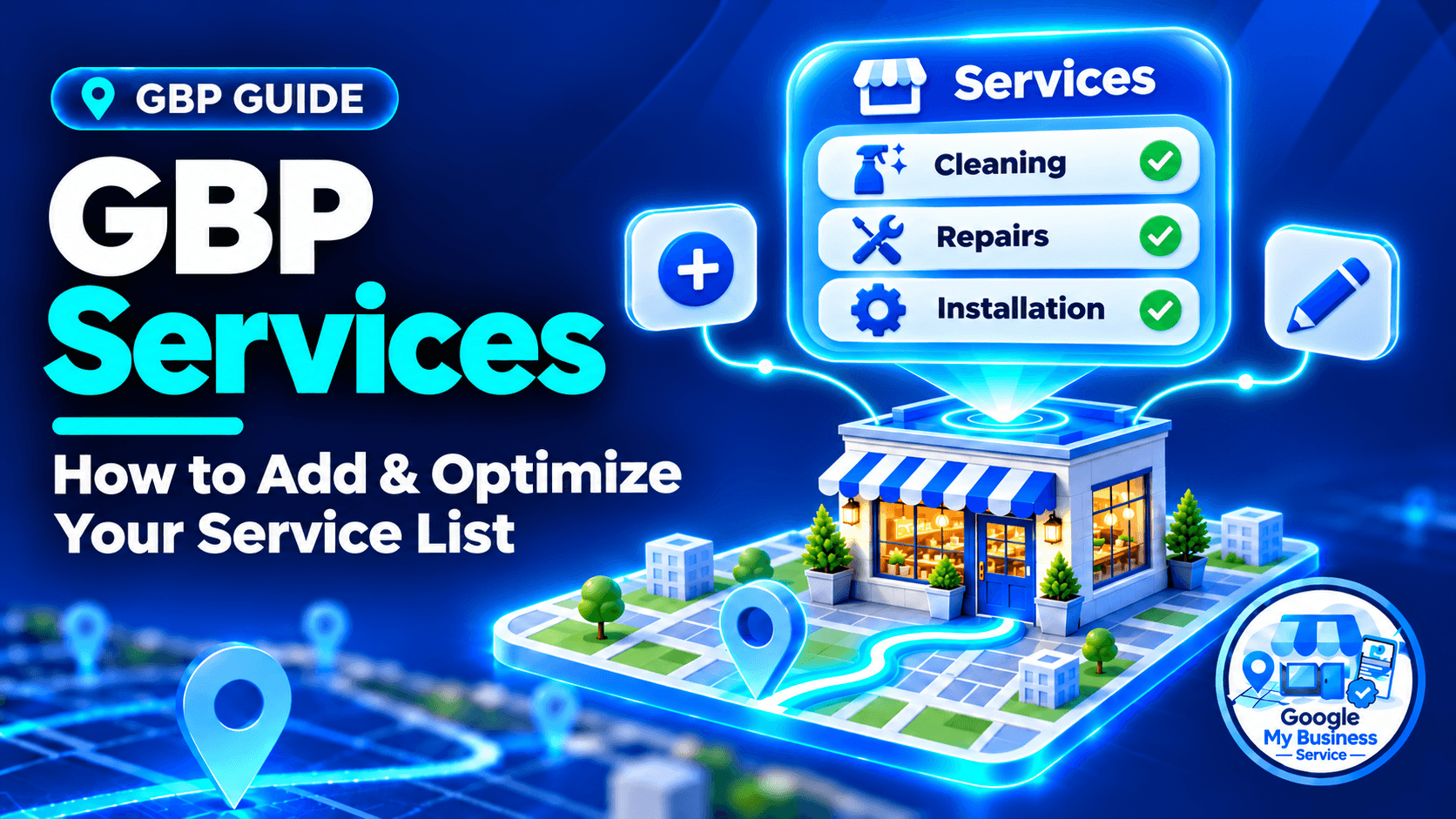
You can manage and update your offerings directly through the Google Business Profile dashboard to help your business appear in local search results.
A useful service list answers the question customers bring to your profile: “Can this business do the work I need?” A category such as an air-conditioning contractor identifies the business type. Entries such as air-conditioner cleaning and leak diagnosis explain the specific jobs available.
This guide shows you how to select, write and maintain GBP services. The examples are hypothetical, including the Malaysian pricing examples; they are not client results or market-price recommendations.
What are GBP Services?
GBP Services are individual offerings listed within the Services feature of a Google Business Profile, formerly Google My Business. Supported profiles can use suggested services or add custom entries, with descriptions and optional prices. They help customers understand the work available and are different from the business’s categories, service areas and general description.
- Structured List: A text-based menu of genuine services, organized through the categories and options available to your profile.
- Keyword Matching: Specific service names explain what you offer. Google may highlight a relevant service for a customer’s search, but adding a phrase does not guarantee placement.
- Descriptions and Pricing: Where supported, add a description of up to 300 characters and choose the available price setting. Follow the limit and options shown in your editor.
The GBP services can also mean professional GBP setup or optimization. The profile feature is free; an independent provider charges for agreed work. Our GBP cost guide explains that distinction.
Why They Matter for Local SEO
A clear service list can support local relevance and help customers decide whether to contact you. It describes specific work that a broad category may not communicate. However, Google’s local results also depend on distance and prominence. Completing Services should be part of accurate profile management, rather than a promise of quick rankings.
Google’s local-ranking guidance provides the wider context. Services cannot remove the effect of a searcher’s location or guarantee that a business outranks better-established competitors.
Sterling Sky reports ranking changes in its own service tests. That is useful industry evidence, but it does not establish an identical outcome for every business. Nor does it prove that repeating keywords in every service description produces an additional benefit.
Focus first on a practical outcome: a potential customer can recognize the service, understand its scope and make a relevant enquiry.
Key takeaways
- List real, distinct services rather than variations of the same search phrase.
- Use accurate suggested options and add custom services for genuine gaps.
- Keep names clear; use descriptions for scope and price fields for prices.
- Check the saved list and customer-facing profile separately.
- Support services with useful website information and track actual enquiries.
How do you add and edit services on Google Business Profile?
Sign in to the Google Account that manages the correct business, open its Business Profile and select Edit services. Choose relevant suggested services or use the custom option when available, then save. Reopen individual entries to add supported details. Check both the saved list and the customer-facing profile before treating the work as complete.
Use this short workflow, based on Google’s services instructions:
- Open the correct business and location on Search or Maps.
- Select Edit services.
- Review the options under the appropriate business category.
- Add genuine suggested services; use Add custom service for a missing offering where available.
- Open each entry and add its description and optional price.
- Select Save.
- Reopen the list, then check what customers can see.
The interface can differ by device and profile. A custom service name may be editable while a predefined label is not. To remove an offering, open the entry and use the available delete option. Removing a discontinued service keeps the menu useful.
Should you choose suggested or custom services?
Use a suggested service when it accurately describes work your business provides. Add a custom service when an important, distinct offering is missing from the suggestions. Neither option justifies listing work you cannot supply. Choose entries by their accuracy and usefulness, rather than trying to reach a universal minimum number of services.
| Situation | Sensible choice |
|---|---|
| A suggested label accurately describes an existing service | Select it and add useful details. |
| A genuine specialist service is missing | Add a clear custom entry if supported. |
| Several labels describe the same task with tiny wording changes | Keep the clearest useful entry rather than creating duplicates. |
| A competitor lists a service you do not offer | Leave it out. |
Use three questions to assess a candidate: Can a customer buy this from us? Is it meaningfully different from our other entries? Can we describe its scope accurately? If the answers are unclear, resolve the offering before adding it.
Do not change your business identity simply to unlock more options. Our guide to primary and additional categories explains how to select categories that describe the real operation.
How do you write clear service names and descriptions?
Write a recognizable service name, then use the description to explain what the customer receives, who the service suits and any important exclusions. Use ordinary customer language without repeating the same keyword. Keep the description within the editor’s limit and include only promises your business can fulfil, especially about speed, availability and qualifications.
A practical description pattern is: the job + what is included + an important scope condition.
For example: “Cleaning for wall-mounted air conditioners, including filters and accessible components. Chemical cleaning and replacement parts are quoted separately.”
That tells the customer more than “Best professional aircon service near me.” It also avoids implying that every repair or replacement is included.
| Weak service name | Clearer alternative, if accurate | Reason |
|---|---|---|
| Professional solutions | Monthly bookkeeping | Identifies a purchasable service. |
| Best aircon service near me KL cheap | Wall-mounted air-conditioner cleaning | Describes the work without a search-phrase string. |
| Call +65-XXXX XXXX — $40 cleaning | Move-out cleaning | Keeps contact details and prices out of the service name. |
Do not paste a phone number or price into a custom service name. Put pricing in its own field and use the profile’s contact features for enquiries. Google’s services guidance specifically warns against these items in custom names.
You do not need to fill every available character. A short, specific explanation is preferable to extra claims, repeated locations or empty promotional wording.
Practical GBP service examples
These fictional examples show how different businesses can make their scope clearer. Each description is under 300 characters. The RM amount illustrates a pricing format only; use your actual rates and the options available in your profile.
| Business | Service name | Example description | Price approach |
|---|---|---|---|
| Air-conditioning company | Wall-mounted air-conditioner cleaning | Cleaning for wall-mounted units, including filters and accessible components. Chemical cleaning, replacement parts and difficult-access work are quoted separately. | From RM120 only if a real qualifying job is available at that rate. |
| Cleaning company | Move-out cleaning | Cleaning for vacant homes before handover. Scope is agreed by property size and condition. Carpet extraction, exterior windows and rubbish removal are quoted separately. | Leave the price blank when inspection determines the quote. |
| Accounting practice | Monthly bookkeeping | Monthly transaction recording and bank reconciliation for small businesses. Payroll, tax filing and historical catch-up work are separate unless included in your agreement. | A fixed price only for a genuinely defined package. |
Use local details when they help a customer understand delivery. A place name is useful when it explains real availability; repeating every town across all descriptions makes the list harder to read.
Should you include prices in GBP services?
Include a price when it gives customers a reliable expectation. A fixed figure suits a defined package, while a from price can suit work with a genuine minimum scope. Leave the price unspecified when an assessment is necessary. Check that the currency, inclusions and website information agree before publishing or updating the entry.
| Price choice, where available | Use it when | Check before saving |
|---|---|---|
| Fixed | The defined service has a predictable price. | What is included, and what costs extra? |
| From | A real qualifying version is available at the starting price. | Are the factors that increase the quote clear? |
| No price | Scope or assessment determines the quote. | Can the customer understand what information is needed? |
A starting price should describe an available offer. If almost every customer must purchase additional work, review whether the displayed price creates the right expectation. Update relevant website information when your price or scope changes.
How do services differ from categories, Products and service areas?
Categories describe the type of business, Services describe specific work, and service areas describe where eligible businesses travel to customers. Products and the business description have separate purposes. Keeping these concepts apart helps you change the correct information and avoids assuming that a feature available to one business must be available to every profile.
| Feature | Question it answers | Example |
|---|---|---|
| Business category | What kind of business is this? | An accurate available category for an air-conditioning contractor. |
| Services | What work can I buy? | Air-conditioner cleaning or leak diagnosis. |
| Service area | Where does the business serve customers? | Actual towns or areas visited for work. |
| Products | What products can customers explore through supported product features? | A retailer’s eligible product offering. |
| Business description | What should I know about the overall business? | Its focus, customers and approach. |
Services are text-based entries, rather than an image catalog. Do not move offerings into another feature simply to work around an unavailable editor. For businesses travelling to customers, our service-area business guide covers the separate address and coverage decisions.
How should GBP services match your website?
Your profile and website should describe the same real services, with compatible names, scope and prices. Give a major service its own page when there is enough useful information to support it. Related smaller tasks can share a substantial page or section. You do not need a thin page for every wording variation in the service list.
The standard Services workflow is not a directory of individual website links. Map entries to relevant website content for planning; do not assume there is a separate URL field for every service.
| GBP entry | Useful website support | What to check |
|---|---|---|
| Air-conditioner cleaning | A substantial cleaning-service page | Unit types, inclusions, exclusions and pricing agree. |
| Leak diagnosis | A repair page with a clear diagnosis section | The site distinguishes inspection from the repair itself. |
| Monthly bookkeeping | A bookkeeping page | The same package boundaries are explained. |
Create a new page because it answers a distinct customer need. If two services require nearly identical explanations, a well-organized shared page may be more helpful. Neither a matching URL nor identical wording guarantees a ranking improvement.
Why are GBP services missing or not showing?
First identify what is missing: the editing option, a saved service, or a service highlight in a particular search. These are different problems. Check the correct account and location, feature availability and the saved entry before making more changes. An accurate service list does not mean Google must highlight an entry for every query.
| Symptom | First checks | Avoid |
|---|---|---|
| Edit services is absent | Correct account, correct location and category-dependent availability. | Switching to an inaccurate category to expose the feature. |
| A new service is absent from the saved list | Reopen the editor and confirm the entry was saved; inspect any notice. | Repeatedly adding near-identical entries. |
| A service is saved but looks different publicly | Compare the customer view, device and any displayed edit status. | Treating a search highlight as the full service menu. |
| An inaccurate entry reappears | Record the wording and date, then review profile updates and your source information. | Leaving false offerings because they might attract searches. |
Google’s profile-editing guidance explains that management features can differ and edits are reviewed. A saved change, an accepted change and a visible result are separate checkpoints. Follow the notice shown for your profile rather than applying an unsupported universal waiting period.
If an entry remains incorrect, record the profile URL, affected wording and screenshots, then use official support. Creating a duplicate profile will not resolve a missing Services feature.
How do you measure whether your service-list changes helped?
Record what changed and compare relevant visibility and customer enquiries over consistent periods. Keep observation locations and search terms stable where possible. Use profile performance for available activity, website analytics for recorded visits and lead events, and business records for received enquiries. A before-and-after increase is useful evidence, but it does not isolate Services as the cause.
| Record | What it helps you assess |
|---|---|
| Before-and-after service list and edit dates | Whether the intended information changed. |
| Relevant searches observed from consistent locations | Whether visibility appears different for those searches. |
| Available profile performance | Discovery and interactions at the reporting level provided. |
| Tagged profile website traffic and enquiry events | Recorded website activity associated with the profile link. |
| Received enquiries and booking records | Whether the business attracted suitable customers. |
Google’s performance guidance explains how to review profile activity. Do not assume aggregate clicks reveal which individual service entry generated a sale. Ask enquirers what they need and record the service requested in your own lead records.
For website measurement, follow our guide to tracking GBP website traffic and leads in GA4. Use tags on supported incoming links you control; a service description is not a substitute for a tracking link.
Service-list maintenance checklist
Use this checklist after a material change to your offering, and include Services in your regular profile review. A quarterly review is a practical routine for a stable business, not a Google requirement or a guarantee of ranking gains.
- Confirm every entry represents work customers can currently buy.
- Add genuine missing services and remove discontinued ones.
- Remove duplicates and unclear names.
- Check descriptions against the current scope.
- Confirm displayed prices and website details agree.
- Inspect unexpected suggested or added services.
- Keep a short change log and review the customer-facing result.
For multiple locations, confirm local availability before applying a shared list. A branch that cannot deliver an offering should not inherit it just because another branch provides it.
Frequently asked questions
Add the distinct services your business genuinely provides and can explain accurately. There is no universal ideal count established by the Google services guidance reviewed for this article. A specialist may need only a few entries; a broader operation may need more. Do not create duplicates or unrelated offerings to satisfy a competitor’s numerical recommendation.
Yes, when the custom-service option is available for your profile. Choose a recognizable name for a genuine offering and add useful scope details. If you cannot find the option, check the correct profile and current feature availability. Custom services are different from business categories, which must be selected from Google’s available category choices.
Service descriptions commonly support up to 300 characters, including spaces, where the feature is available. Follow the limit displayed in your current editor. Use the space for scope, audience and important exclusions rather than padding it with keywords. This field is separate from the description explaining your business as a whole.
Standard service entries are text-based, with supported descriptive and price details, rather than individual image cards. Use the profile’s supported photo features for authentic pictures of your work and check which other features suit your business. Do not assume that adding an image elsewhere attaches it to a specific Services entry or produces a ranking benefit.
No. Services can contribute useful information, and industry tests have reported visibility improvements in some circumstances. Google’s results depend on several factors, including relevance, distance and prominence. An accurate list is worth maintaining for customers even when rankings do not change. No service count, description formula or editing schedule guarantees a particular position.
Make your GBP service list useful before making it longer
Start with what customers can buy, describe the scope plainly and check that the profile matches your website. A clear, accurate GBP services is a better working goal than maximizing entry counts or repeating search phrases.
If you want help reviewing the list alongside categories, descriptions and business details, our Google Business Profile optimization service costs $199 USD per profile, paid once, for one month of optimization after access is granted and a final performance report. It does not guarantee rankings.
If your eligible business has no profile yet, review our new Google Business Profile setup service. Visit Google My Business Service to compare the available support and choose the scope your business needs.