An inaccurate phone number, missing services, or outdated opening hours can cost you enquiries—even when your Google Business Profile is verified. Optimization starts with making your listing accurate, useful, and easy for customers to act on.
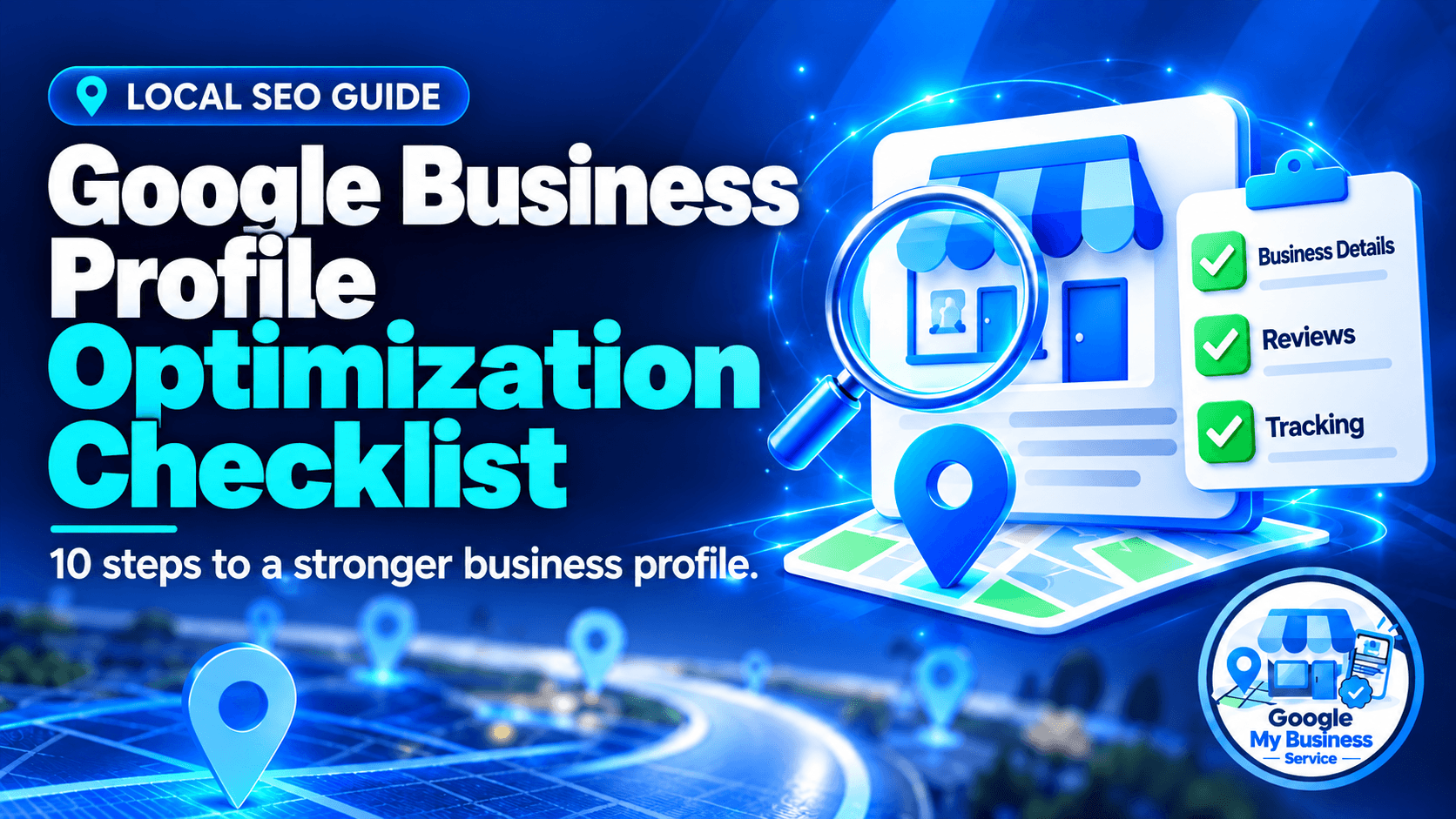
This Google Business Profile optimization checklist walks you through the essentials, from categories and reviews to website links and performance tracking. Whether you manage the profile yourself or use professional Google Business Profile services, these checks help you identify what needs attention.
What should you optimize first on your Google Business Profile?
Start by confirming that you control the correct profile and have completed verification. Then fix inaccurate business details, review your primary category, and test your phone number and website link. These essentials help customers understand your business and contact you before you spend time improving photos, posts, or other supporting content.
Google’s local results mainly depend on relevance, distance, and prominence. Complete information helps Google understand your business, but optimization cannot remove distance limitations or guarantee a particular Google Maps position.
Google Business Profile optimization checklist
Work through these ten steps in order. Record important changes so you can check what was updated and compare performance afterward.
1. Confirm ownership, verification, and profile status
Before editing anything, make sure you are signed into the Google account that manages the correct business.
Check that:
- You have appropriate owner or manager access.
- Verification is complete.
- The profile represents the correct business and location.
- No access restriction prevents you from making changes.
If verification is unfinished, follow the methods Google offers. Available options vary, and Google may require video verification or more than one method.
Search for an existing listing before creating another one. Ownership disputes, duplicates, and suspension require their own resolution. If you need a new profile, review our Google Business Profile setup service.
2. Check your business name and contact details
Use the business name customers recognize from your real-world branding. Avoid adding extra services, city names, or phrases such as “best plumber” simply to target searches.
Check your:
- Business name.
- Main phone number.
- Website address.
- Public contact information.
Compare these details with your website and important directory listings. NAP means name, address, and phone number. Focus on correcting conflicting facts rather than worrying about harmless punctuation differences.
Check it worked: Open the public listing and test the phone and website links.
3. Set the correct address or service area
Your location settings should reflect how customers actually receive your services.
| Business type | Appropriate approach |
|---|---|
| Storefront | Display an eligible business address where customers can visit. |
| Service-area business | Specify the areas served and hide the address if customers do not visit it. |
| Hybrid business | Display an eligible customer-facing address and add the areas served. |
For example, a mobile plumber working from home should hide the residential address when customers are served at their own properties. Check the map pin if your address is displayed.
Adding more service areas does not make your business physically closer to every searcher.
4. Choose accurate primary and additional categories
Your primary category should describe the main type of business you operate. Choose the most appropriate available option rather than a broad category when a more specific one fits.
Add other categories only when they describe genuine parts of your business. A bakery that offers catering may have a reason to add a catering category. A bakery that does not provide catering should leave it out.
Google recommends using the fewest categories needed to describe your core business. Competitor profiles can provide ideas, but their selections are not instructions to copy.
5. Update hours and relevant attributes
Keep your hours aligned with when customers can actually visit or receive the stated service. Update special hours before holidays, temporary closures, or unusual trading days.
Review applicable attributes, such as:
- Accessible entrances or parking.
- Available payment methods.
- Delivery or pickup.
- On-site amenities.
Options vary by category and location. Select only attributes that accurately describe your business.
Check it worked: Review your public hours and upcoming special hours. Do not list the business as open 24 hours simply because customers can submit a website enquiry anytime.
6. Write a clear business description
Use your description to explain what you do, whom you help, and what makes your business useful. The limit is 750 characters, but you do not need to fill every character.
A simple structure is:
- Your business type.
- Your main services or products.
- The customers or area you serve.
- A genuine distinguishing detail.
Write naturally. Avoid repeating search phrases or listing every nearby city. Google also prohibits links and descriptions focused on promotional prices or sales.
7. Add services, products, or menus where available
Help customers understand your offerings without making them search through your entire website.
Use specific service names, such as “air conditioner installation” or “emergency plumbing repair,” instead of vague labels such as “professional solutions.”
Where supported, include accurate descriptions, prices, product details, or menus. Remove offerings you no longer provide.
Keep these details aligned with your website. If a customer finds a service on your profile, the linked page should explain it clearly. Features differ between business types, so an unavailable field is not automatically a problem.
8. Improve photos, reviews, and review replies
Upload genuine photos showing your premises, team, products, or completed work. Choose images that help customers recognize the location and understand what to expect.
Request honest reviews from customers without filtering for positive feedback. For example:
Thank you for choosing us. If you would like to share your experience, you can leave an honest Google review here: [review link].
Avoid rewards, purchased reviews, and requests for specific wording. Reply professionally to feedback without exposing customer information. Google prohibits incentivized reviews and selectively soliciting positive reviews.
9. Test website, booking, and contact options
Your website link should lead to a useful page representing the business or location. A single-location business may use its homepage; a business with several branches may use the relevant location page.
Test available actions on mobile:
- Website visits.
- Phone calls.
- Appointments or bookings.
- Ordering links.
- Supported messaging options.
WhatsApp or text messaging may be available, depending on the profile and region. Check your available settings rather than assuming every profile has the same features.
Publish useful updates when you have news, and answer practical customer questions on your website.
10. Record a baseline and measure customer actions
Before making major changes, record your starting performance and the date. Track applicable metrics such as website clicks, call-button clicks, and direction requests.
For website attribution, you can add UTM parameters to your profile’s website link:
https://example.com/?utm_source=google&utm_medium=organic&utm_campaign=gbp_main_location
With GA4 installed and enquiry tracking configured, this helps you examine traffic and website enquiries associated with that link.
Keep the measures separate: a call-button click is not a confirmed conversation, and a direction request is not a completed visit.
Compare equivalent periods, consider seasonality, and judge progress through relevant enquiries as well as visibility.
How often should you update your Google Business Profile?
Update your Google Business Profile whenever important business information changes. Check it weekly for unexpected edits, new reviews, and broken customer-action links. Review performance and outdated content monthly. These intervals are a practical management routine, rather than a Google requirement or a posting formula that guarantees higher rankings.
| Timing | Recommended checks |
|---|---|
| When something changes | Correct hours, contact details, services, location information, or booking availability. |
| Weekly | Review public edits, reply to feedback, test contact routes, and share useful news when available. |
| Monthly | Review performance, upcoming holiday hours, outdated photos, and linked website pages. |
Add fresh photos when you have something helpful to show. There is no need to upload repetitive images just to meet an arbitrary weekly target.
Google Business Profile optimization mistakes to avoid
Small errors can undermine otherwise useful work. Avoid:
- Adding search keywords to your business name.
- Creating unnecessary duplicate profiles.
- Using inaccurate addresses or service claims.
- Buying reviews or requesting only positive feedback.
- Changing categories repeatedly without a business reason.
- Assuming weekly posts guarantee better rankings.
- Treating profile views as completed enquiries.
Before making another edit, check whether the real problem is an unclear website, missed phone calls, limited local demand, or strong nearby competition.
Frequently asked questions
Yes. Business owners can manage their profiles directly. Start with accurate information, suitable categories, useful photos, and working contact links. Professional help may be useful when you need a structured audit or lack time to complete and monitor the work.
Verification does not guarantee prominent placement. Search relevance, distance, prominence, and competing businesses affect local results. Check your categories and business information, then investigate your website, reputation, and the locations from which customers are searching.
Adding service areas describes where you work; it does not establish physical locations in those cities. Choose areas you genuinely serve. Expanding the list alone should not be treated as a strategy for overcoming distance in local search results.
There is no published universal minimum that guarantees a ranking. Review totals help you understand local competition, but they are only part of the picture. Focus on genuine feedback, good customer experiences, and professional responses.
Posts help communicate offers, events, and useful updates. Google does not publish a weekly posting formula that guarantees ranking improvements. Choose a schedule you can maintain and publish information customers have a reason to read.
Completing edits and seeing measurable results are different stages. Some improvements help customers once published, while visibility and enquiry trends need observation over time. There is no universal deadline because competition, demand, distance, and the starting profile differ.
Turn Your Checklist Into a Better Business Profile
Found gaps in your profile but need help fixing them? Our Google Business Profile optimization service helps improve the accuracy, clarity, and presentation of an active profile you control. We review key business information, categories, services, and descriptions, with one month of optimization and a completion report—all for $199 per profile.