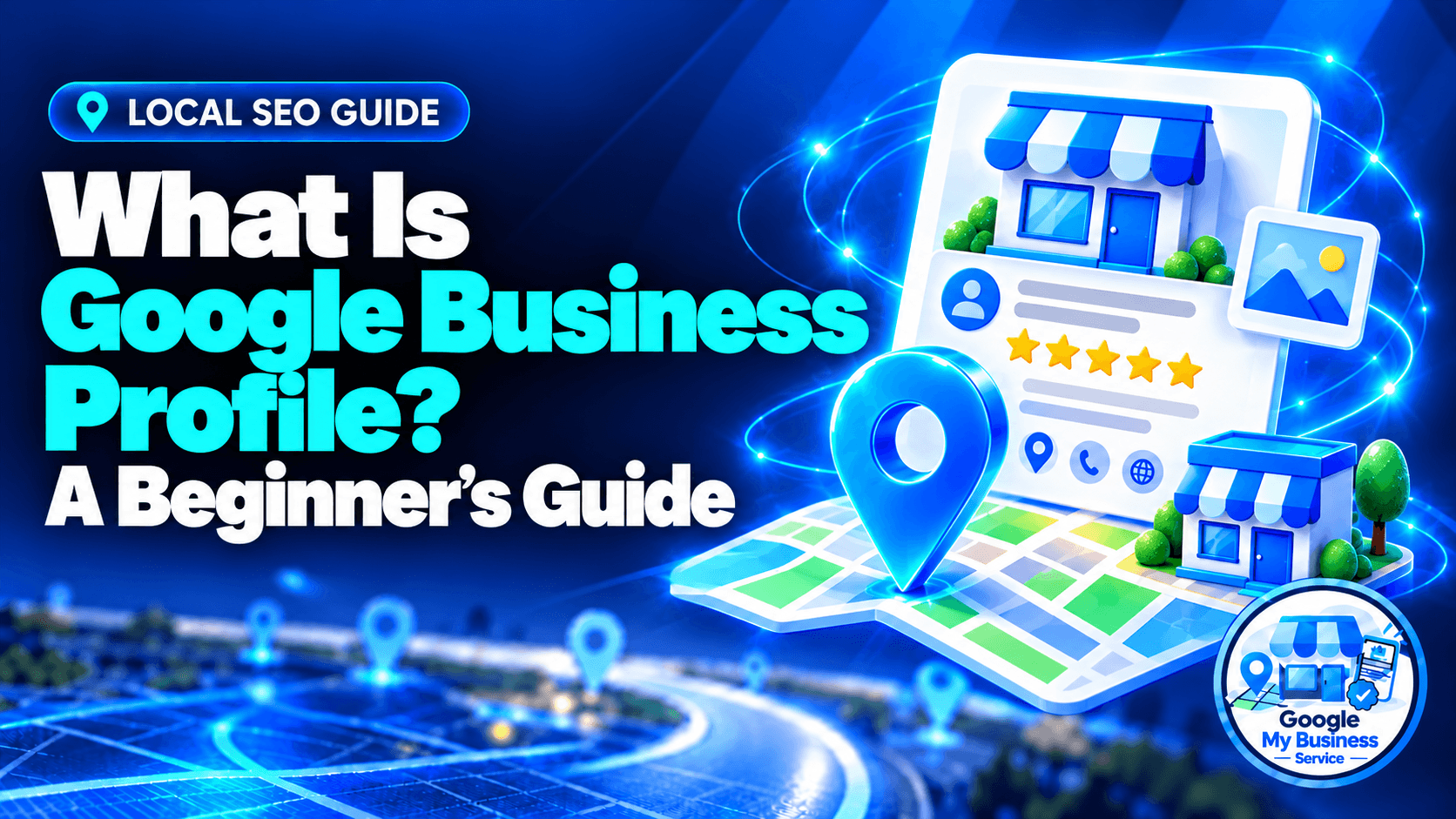
A Google Business Profile (formerly known as Google My Business) is a free tool provided by Google that lets business owners manage how their company appears on Google Search and Google Maps.
It gives customers a convenient place to check your hours, explore your services, read reviews, and find contact details. For an eligible local business, it can help someone move from searching to calling, booking, or visiting.
This guide explains who qualifies, what the features do, and how to get started without confusing profile setup with paid advertising or guaranteed rankings.
How does Google Business Profile work?
Google Business Profile connects information about your business with customers searching on Google Search and Maps. You provide and maintain details such as your category, hours, services, and contact information. Google uses business information, customer contributions, and other sources to display relevant results. Customers can then evaluate your business and choose how to contact you.
For example, imagine someone searches for a bicycle repair shop in Petaling Jaya. They might compare opening hours, service details, photos, and reviews before choosing where to take their bike. Accurate information helps them make that decision without calling several shops.
Your profile may appear in different places:
- Google Maps: Business results, location information, reviews, and directions where applicable.
- Google Search: Business information when someone searches your name or relevant local services.
- The local pack: A group of local business results shown for some searches, often with a map.
Having a profile does not mean it will appear prominently for every search.
Is Google Business Profile free?
Yes. Google Business Profile is free to create, claim, and manage for an eligible business. You do not need an advertising subscription to use it. If you hire a provider, its fee pays for agreed work, such as setup assistance or optimization. That is separate from Google Ads spending and does not buy an organic ranking.
| Item | What you are paying for |
|---|---|
| Google Business Profile | No Google fee to create or manage the profile |
| Professional setup | A provider’s agreed setup work |
| Professional optimization | A provider’s audit and improvements |
| Google Ads | Paid advertising, managed separately |
You can manage a profile yourself. Professional help is optional and should match a specific need. Before paying, ask what is included, who will own the profile, and what evidence of completion you will receive.
Who is eligible for Google Business Profile?
Google Business Profile generally suits businesses that meet customers in person during their stated hours. This includes businesses with customer-facing premises and businesses that travel to customers. Online-only businesses generally do not qualify. Your eligibility depends on real operations, not simply having a website, registering a company, or entering a service area.
| Business model | Example | General position |
|---|---|---|
| Storefront | A shop customers visit | Can qualify when requirements are met |
| Service-area business | A plumber visiting customers | Can qualify without a public storefront |
| Hybrid business | A workshop offering on-site repairs | Can represent both service models |
| Online-only business | A business serving customers entirely online | Generally ineligible |
| Rental or for-sale property | A vacant apartment listed for rent | Ineligible as that property; sales or leasing offices may qualify |
Google has specific exceptions and industry rules, so check its business eligibility guidance if your situation is unusual.
A business that travels to customers should not present a home address as a walk-in shop. Set address visibility according to how customers are actually served. A mailbox or virtual mailing address does not establish an eligible operating location.
What features does a Google Business Profile include?
A Google Business Profile can display business details, photos, videos, customer reviews, services, updates, and links that help people take action. Verified owners and managers can also access performance information. Available features vary by category, region, and profile, so a restaurant, retail shop, and visiting service business may have different tools.
Business information
Maintain your real business name, category, phone number, website, and hours. NAP means name, address, and phone number. These details should accurately identify the same business across your profile and website.
Add special hours for public holidays or temporary changes. Incorrect hours can send a customer to a closed business even when the rest of the profile looks good.
Photos and videos
Use clear, authentic images that help customers recognize your business and understand your work. Depending on your operations, useful subjects include the entrance, interior, team, equipment, products, and completed projects.
For a repair shop, a recognizable entrance photo may be more useful than another generic stock image.
Customer reviews
Customers can share ratings and feedback. Your replies show how you handle questions, praise, and problems.
Ask customers for honest reviews without incentives or selectively approaching only those expected to leave positive feedback. Keep responses professional and avoid sharing private customer information.
Services, products, and customer actions
Relevant profiles can display services, products, menus, or booking links. Availability depends on the business and supported features.
Customers may be able to call, visit your website, request directions, place an order, or make a reservation. Check that links lead to the correct page and that your business can fulfil the action offered.
Posts and contact options
Share useful announcements, offers, or events when they give customers a reason to act.
Avoid relying on old instructions for Google’s former built-in chat. That service ended in July 2024. Eligible profiles in supported regions may now offer WhatsApp or text messaging. Check your own profile settings before promising customers a messaging option.
How do you create, claim, and verify a profile?
First, check that your business qualifies and search for an existing listing. Use a Google Account controlled by your business to create a profile or request management of the correct existing one. Enter accurate details, then follow Google’s available verification steps. Claiming, verification, and optimization are different tasks, even when they overlap during setup.
| Task | What it means |
|---|---|
| Create | Add a profile when the eligible business has no existing listing |
| Claim | Request management of an existing business listing |
| Verify | Complete Google’s checks to establish that you are authorized to manage it |
| Optimize | Improve an accessible profile’s accuracy, completeness, and usefulness |
Work through these steps:
- Search first. Look for your business name and location to avoid creating a duplicate.
- Confirm eligibility. Decide whether your operations fit a storefront, service-area, or hybrid model.
- Enter accurate details. Use your real business name and an appropriate category.
- Set the location correctly. Show or hide the address according to your customer-facing operations.
- Complete verification. Follow the options Google offers for your business.
- Check the result. Confirm access and review the public information.
Google determines verification methods. A business may be offered video recording, a live video call, phone/text, email, or mail, but not every option is available to everyone. Follow the current verification instructions.
For a fuller comparison, read Google Business Profile setup vs optimization.
Does Google Business Profile replace your website?
Google Business Profile helps customers evaluate and contact you within Google, while your website gives you space to explain your services, pricing, policies, and expertise in more detail. They work together. A profile may answer a quick question about opening hours, while your website helps someone understand a complex service before enquiring.
| Google Business Profile | Your website |
|---|---|
| Quick business details | Detailed explanations and service pages |
| Reviews and photos | Case studies and broader business information |
| Calls, directions, and supported actions | Enquiry forms, checkout, and booking journeys |
| Managed within Google’s product rules | More control over content and presentation |
For example, a clinic profile can help a patient find the phone number. The clinic’s website can explain appointment preparation, treatment information, and fees.
How can you tell whether your profile is helping?
Check your verified profile’s Performance section for available search terms, views, and customer interactions. Compare those signals with actual enquiries, bookings, and visits recorded by your business. Profile activity helps you understand customer interest, but an interaction is not automatically a sale. Review patterns over time rather than treating one busy day as proof.
Interpret the numbers carefully:
- Call-button clicks do not confirm answered calls.
- Website clicks do not confirm enquiries.
- Direction requests do not confirm visits.
For example, if website clicks rise but bookings remain flat, check the linked page and booking process. Avoid assuming the profile alone explains every change in sales.
Available metrics vary. Google also notes that performance data can include activity from organic results and Google Ads, so keep any advertising activity in mind when comparing periods.
What should you improve after setup?
After setup, prioritize accurate business details, relevant categories, working contact links, and clear services. Then add authentic photos, respond to reviews, and publish useful updates when appropriate. Review changes in your business promptly. Optimization should make the profile more accurate and useful to customers while supporting relevant local visibility.
Start with this short checklist:
- Confirm your category describes your main business.
- Test your phone number and website link.
- Review regular and special hours.
- Make your services easy to understand.
- Check that address visibility matches your operations.
- Request genuine feedback and answer reviews professionally.
Google describes local ranking through relevance, distance, and prominence. Optimization can improve information and support competitiveness, but it cannot remove distance limitations or purchase a higher organic position.
Use our Google Business Profile optimization checklist for the detailed next steps. If an existing listing cannot be found, read why your business is not showing on Google Maps before creating another one.
Frequently asked questions
Yes. Google My Business is the former name. Older guides may still use GMB, but some screenshots and features have changed. Check current instructions before following an old tutorial.
Yes, a website is not a universal requirement. Your business must still qualify and complete the relevant checks. A useful website can provide customers with more detail than a profile alone.
You need a Google Account, but it does not have to use a Gmail address. Google allows accounts associated with other email addresses, including a business email.
Adding a service area does not make an online-only business eligible. A service-area business normally travels to customers and meets them in person. Choose settings that describe real operations.
Yes. You can manage multiple eligible locations through the appropriate account tools. Each location needs accurate information and must meet the relevant rules. Do not combine distinct branches into one misleading listing.
Your business should retain ownership through an account it controls. Give a provider appropriate access for agreed tasks. Use account invitations instead of sharing your password, and clarify access arrangements before work starts.
No. Verification establishes management authority; it does not guarantee first place. Search relevance, distance, competition, and prominence affect local visibility. Be cautious of providers promising a purchased or guaranteed organic position.
Start with the right Google Business Profile service
Need a new profile or improvements to an active one? Our Google Business Profile setup service supports accepted new-profile applications, while our optimization service improves active profiles through focused information and category work.
Explore our Google Business Profile services to compare the options. If you are considering professional help, our guide to choosing a Google Business Profile service provider explains what to ask about methods, ownership, scope, and reporting.