
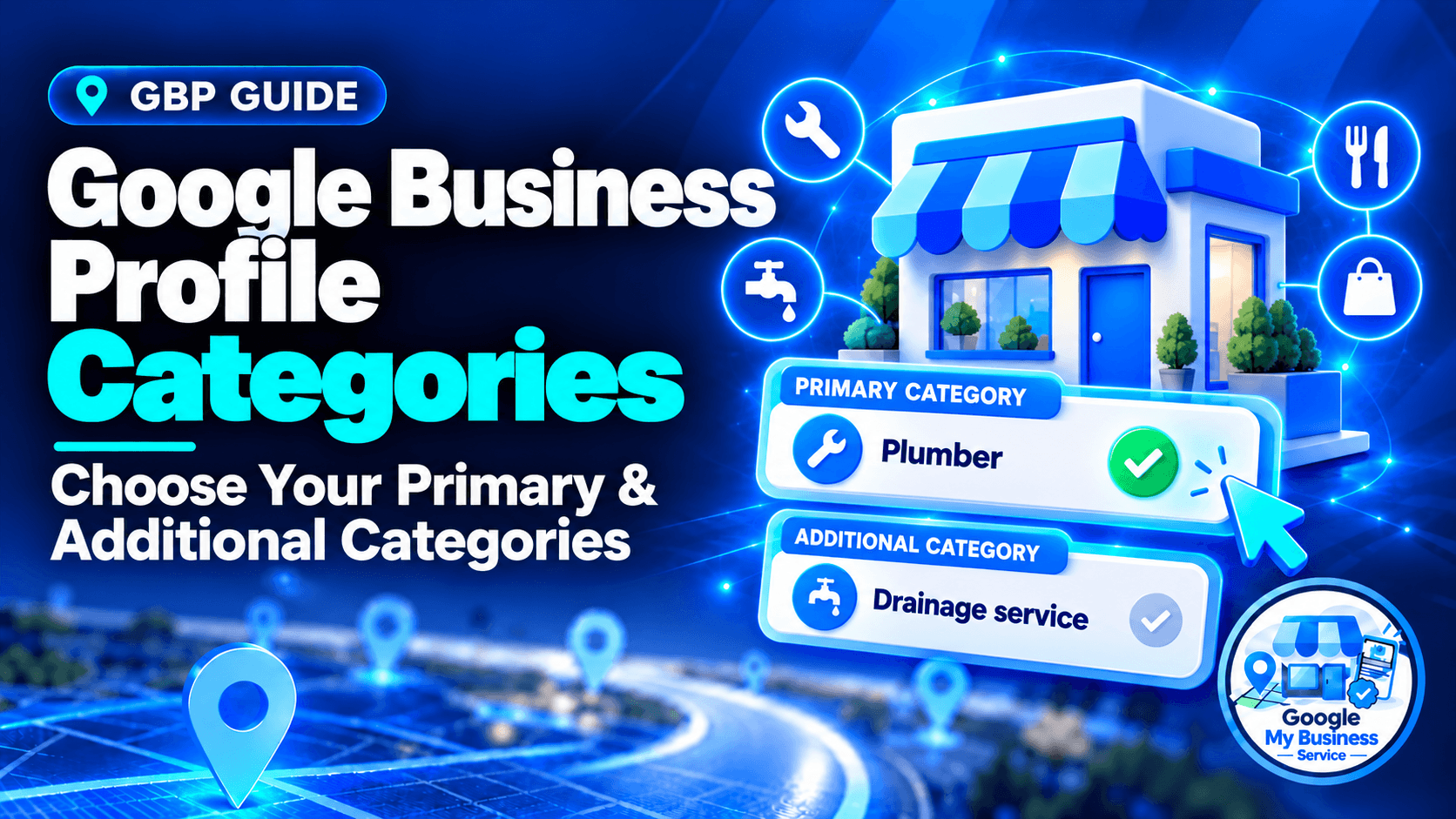
Choose the most specific available primary category that accurately describes your main business. Add additional categories only for genuine activities that help explain what your business is. Google Business Profile supports one primary category and up to nine additional categories, but you do not need to use every slot. Confirm each choice in your profile’s category dropdown before saving.
Your categories should help the right customer recognize your business. A plumbing company does not become an electrical contractor because that search looks attractive. Equally, a company that genuinely operates both services may need more than one category to describe itself properly.
This guide gives you a selection method, practical examples, editing steps and a checklist. The examples are fictional planning scenarios, not client results or category combinations tested for approval.
What is the difference between primary and additional categories?
Your primary category identifies the main type of business you operate. Additional categories, often called secondary categories, describe other genuine aspects of the same business. Both use Google’s predefined options. They are different from the individual services, products or amenities you can describe elsewhere in the profile, and they should not become a list of search keywords.
| Category type | Purpose | How to choose |
|---|---|---|
| Primary: one | Represent the business’s main identity | Select the most specific accurate option describing the business as a whole |
| Additional: up to nine | Describe legitimate supporting business activities | Add an option only when it contributes an accurate, useful distinction |
Google My Business is the earlier name for Google Business Profile, so older resources may refer to GMB categories. The underlying task is the same: choose labels that describe the real business.
The one-plus-nine limit is described in BrightLocal’s category guide. For selection, Google’s own rules emphasize a small, accurate set representing your core business. The maximum is not a completion target.
Why do Google Business Profile categories matter?
Categories help Google understand the type of business you operate and match it with relevant searches. They also help customers understand your offering and can affect which profile features are available. Category selection matters for local visibility, but it does not determine rankings alone. Google also considers the searcher’s distance and how well known the business is.
Google’s category guidance explains that a pizza restaurant may appear for broader searches such as restaurants or Italian restaurants. You do not need a separate category matching every possible phrase a customer might type.
Depending on the business category, a profile may offer features such as menus, ordering links, bookings or particular service fields. Select categories because they fit your operations, rather than to unlock an attractive feature your business does not qualify for.
Google does not publish a percentage weighting for primary versus additional categories. Its local-ranking guidance describes relevance, distance and prominence. A more accurate category can improve relevance without overcoming every other limitation.
How do you choose your primary category?
Start with what the business actually is, then select the most specific available category that still represents its main activity. When several choices fit, compare your regular work, customer expectations and website presentation. Use local competitors to discover options, then validate those options against your own operations rather than choosing whichever keyword looks most popular.
1. Write one sentence describing the business
Complete this sentence before opening the editor:
Our business is a ______ that primarily helps customers with ______.
This follows Google’s distinction between what a business is and what it merely has. A motel with a swimming pool is still a motel. The pool does not automatically make it a swimming-pool business.
If you cannot agree on the opening sentence, clarify your actual business model before changing the profile. A category choice cannot resolve conflicting descriptions of what the company does.
2. Look for a specific, accurate option
Type the business type into Google’s category field and review the available suggestions. A specialist should consider an appropriate specialist category rather than a broad umbrella term.
For example, a practice genuinely focused on children’s dentistry might consider “Pediatric dentist.” A general dental practice that treats some children should not assume that this makes the specialist category its best primary identity.
If the precise category is unavailable, choose an accurate broader option. You cannot create a custom category. Use supported services and your website to explain the narrower offering.
3. Resolve competing options using real evidence
For a company with several substantial service lines, compare which category best describes the business customers encounter today. Revenue and enquiry mix are useful inputs, but one profitable job should not redefine the entire business.
Use this worksheet:
| Check | Question to answer |
|---|---|
| Business identity | Would an ordinary customer describe us as this type of business? |
| Current work | Is this a substantial, established part of our operations? |
| Customer expectation | Can we provide the service people would reasonably expect? |
| Website support | Do the homepage and relevant pages accurately explain this activity? |
| Available option | Does this exact category appear in our profile’s editor? |
| Primary fit | Does it describe the business as a whole better than the alternatives? |
Accuracy and availability are requirements for the decision. Do not treat a high search volume or an attractive competitor ranking as compensation for a poor fit.
4. Learn from comparable local businesses
Search Google Maps for your main business type and location. Review several genuinely comparable businesses, rather than only one prominent result. Note the visible category labels and whether their services and operating models resemble yours.
A visible label is a useful clue, not a complete category audit. Tools discussed by Sterling Sky, including GMB Everywhere and PlePer, can help investigate additional categories. They are optional; you can make an accurate selection without buying a tool.
Competitor research should produce candidates to assess. It does not prove that a category caused a competitor’s ranking or that copying its entire set will work for your business.
How many additional categories should you choose?
Choose the fewest additional categories needed to describe genuine parts of your core business. There is no universal rule that every business should use two, four or all nine available slots. Each choice needs a clear operational reason. Leave a slot empty when another category would add little information, repeat an implied parent category or misrepresent what customers can obtain.
For each candidate, ask:
- Does this describe a real part of our business today?
- Would a customer reasonably expect to obtain that service from us?
- Does it describe our operation rather than another business at the address?
- Does it add useful information beyond the categories already selected?
- Can we explain and support the choice with actual business facts?
Google advises that broader categories can be implied by a specific one. You do not need to add every parent category automatically. Its category rules give examples of this relationship.
Do not assume that adding another accurate category automatically dilutes your ranking. The practical risks are inaccurate claims and unnecessary choices. Equally, do not add categories solely to increase the count or capture searches unrelated to your business.
What do sensible category choices look like in practice?
A sensible set describes the real operation, with the main identity first and supporting activities added only where justified. The same business label can be appropriate for one company and misleading for another. Use these fictional examples to understand the reasoning, then check the available category names and suitability in your own profile before making a change.
| Actual operation | Primary candidate | Additional candidate, only if accurate | What to avoid |
|---|---|---|---|
| A mobile plumbing company also operates a substantial drain-clearing service | Plumber | Drainage service | Electrician when no electrical service exists |
| A general dental practice genuinely provides cosmetic dentistry | Dentist | Cosmetic dentist | Making a specialist category primary solely because one procedure is valuable |
| A grocery business operates its own bakery and deli | Grocery store | Bakery; Deli | Adding a category for a separately operated tenant |
| An auto workshop also operates a genuine tyre-sales and fitting business | Auto repair shop | Tire shop | Adding retail categories for every part used in repairs |
| A motel offers a pool as a guest amenity | Motel | No pool category needed for that reason alone | Swimming pool as a category merely because the motel has one |
Names and availability can differ between markets. These are candidates to look up, not a verified category inventory for every country.
A completed decision: a company offering plumbing and heating
Imagine Cedar Home Services. It receives most regular bookings for plumbing repairs, has a dedicated plumbing team, and presents plumbing as its main service on its website. It also has qualified staff carrying out a distinct heating-contracting service.
| Candidate | Evidence | Decision |
|---|---|---|
| Plumber | Matches the main customer expectation, regular work and website positioning | Strong primary candidate |
| Heating contractor | Describes an established additional service, but not the company’s main identity | Consider as an additional category |
| General contractor | The company does not manage general construction projects | Exclude |
Confirm that the selected labels are available before saving. Then record why each was chosen. This is more useful than selecting every related construction term or changing the primary category to whichever service has the highest price.
If the actual business later changes, reassess the evidence. Review categories when operations change; there is no need to rotate them merely to make the profile look active.
What belongs in categories, services and attributes?
Use categories for business types, services for specific work customers can buy, and attributes for supported characteristics or amenities. Products and descriptions have their own roles. This separation keeps the profile understandable without forcing every offering into the category list. A legitimate additional business activity may justify a category, while an individual task often belongs in Services.
| Information | Suitable field or feature |
|---|---|
| The company is a plumbing business | Primary category, such as Plumber |
| It repairs taps and toilets | Services, where supported |
| It has a wheelchair-accessible entrance | Applicable accessibility attribute |
| It sells a particular product | Supported product feature or relevant website page |
| It serves specified towns | Service-area settings, where applicable |
| It explains its history, customers and approach | Business description |
Google’s services instructions explain that eligible profiles can choose suggested services and add custom services. Custom services do not mean custom business categories are available.
Keep the website and profile consistent because they should describe the same real business. Do not invent a service page simply to justify an inaccurate category. For clear introductory wording, use our Google Business Profile description guide.
Service-area businesses, departments and practitioners
A service-area business still selects categories based on its actual work. Choosing a category does not create a storefront or make an online-only business eligible. Follow the service-area business address and setup rules separately.
For co-located businesses, distinguish an activity your business operates from an independently operated business. Google’s category guidance uses a grocery store with its own bakery and deli as an additional-category example. An independently operated café inside a health club should have its own eligible profile rather than lend its category to the club.
Separate departments and individual practitioners have specific eligibility rules. Do not create multiple profiles merely to target different categories. For chains offering the same service, Google requires category consistency; do not vary primary categories between equivalent branches just to spread keyword coverage. See the business-representation guidelines.
How do you add or change your Google Business Profile categories?
Sign in to the Google Account that manages the correct business, open the profile, and select Edit profile. Find Business category, choose your primary category from Google’s suggestions, and use Add another category for appropriate supporting choices. Save the edit and check its status. Adding or editing a category can prompt another verification request, so prepare before submitting.
Follow Google’s current category-editing instructions:
- Open your profile on Google Search or Maps, or use Google Business Profile management.
- Confirm that you have selected the correct business and location.
- Select Edit profile.
- Next to Business category, select the edit option.
- In Primary category, type the business type and select an available suggestion.
- Select Add another category to add a justified additional choice.
- Remove additional categories that no longer describe the business.
- Select Save, then check the edit status and public profile after acceptance.
Interface wording and layout can vary. Keep a record of the old and new categories, the date and the reason for the change. If Google asks for verification, follow the offered process; our verification methods and preparation guide explains what to expect.
Review time is different from ranking response
According to Google’s edit-status guidance, reviews usually take up to ten minutes, but sometimes up to thirty days. Saving an edit is not confirmation that it has been accepted, and acceptance does not promise an immediate ranking improvement.
| Status or issue | Next action |
|---|---|
| Pending | Note the submission date and check for requested action; do not repeatedly replace an accurate choice just because review is unfinished |
| Not approved | Check the accuracy of the category and the available review or appeal options |
| Verification requested | Complete the current verification process using evidence of the real business |
| Accepted | Check the public result and begin observing relevant searches and enquiries |
| Desired category unavailable | Choose an accurate broader option and explain the narrower offering through supported fields |
If a problem remains beyond the stated review window, use official Google Business Profile support. Creating a duplicate listing is not a solution to a pending category edit.
How do you measure whether a category change helped?
Record a baseline before editing, then compare relevant visibility and customer enquiries after the change is accepted. Keep the queries, observation locations and comparison periods consistent. Look beyond views: more exposure is useful only when it reaches suitable customers. Changes in demand, competitors, website performance or other profile edits can affect results, so a before-and-after comparison does not prove causation.
Keep a simple change record:
| Record | What to capture |
|---|---|
| Previous setup | Primary and additional categories before the edit |
| Reason | What changed or was inaccurate |
| Submission and acceptance | Dates and any verification requirement |
| Visibility | The same relevant searches observed from consistent locations |
| Profile actions | Applicable website clicks, call-button clicks or direction requests |
| Business outcomes | Received enquiries, their requested services and whether they were suitable |
For a small business, comparing roughly four weeks before and after acceptance can be a practical starting point. This is a suggested observation window, not Google’s deadline for a ranking effect. Low enquiry volumes or seasonal businesses may need a longer comparison.
Avoid making several optional changes at once when you want to understand a category adjustment. Correct factual errors promptly, but record other work so you can interpret the results.
A call-button click is not a confirmed call, and a website visit is not a lead. Learn how to track GBP website traffic and leads in GA4 when you need website measurement. Keep enquiry qualification in your actual customer records.
Category mistakes to avoid
- Choosing a category mainly because its keyword attracts searches.
- Adding categories for work the business does not perform.
- Treating every product, amenity or individual task as a business category.
- Copying a competitor’s choices without checking the operational fit.
- Adding a separately operated business’s category to your own profile.
- Filling all nine additional slots as a completion exercise.
- Adding redundant broader categories automatically.
- Repeatedly switching an accurate primary category without a business reason.
- Creating extra profiles solely to target more categories.
- Treating edit acceptance as proof of a ranking improvement.
Once the category set is accurate, review the wider listing with our Google Business Profile optimization checklist.
Frequently asked questions
No. A Google Business Profile has one primary category. Use additional categories for legitimate supporting business activities, rather than trying to make every service equally primary. If two choices both seem plausible, compare which one best describes the business as a whole, supported by its current operations, customer expectations and website presentation.
No. Nine is an allowance, not a recommended target. Add only the categories needed to describe real parts of the business and avoid irrelevant or redundant selections. A business with one narrow focus may need very few choices, while a genuinely broader operation may have a reason for several. The justification matters more than the count.
Choose a broader available category that still describes the business accurately. You cannot invent a custom category or assume a label from an old directory remains available. Explain the specific offering through supported services, your business description and relevant website content. Confirm the actual options in your profile before relying on a suggested label.
Yes. Google’s guidance says that adding or editing a category can lead to another verification request. The warning is not limited to primary-category changes. Have access to the managing account and appropriate business evidence ready, then follow the verification options Google presents. An agency cannot guarantee that the edit will avoid another check.
Review them when your main operations change, a substantial service begins or ends, or Google introduces an option that may describe the business more accurately. A periodic audit is also sensible. Reviewing does not require editing: keep an accurate category set when nothing has changed, rather than rotating labels to create an appearance of activity.
Category terminology can differ by market, and the available list changes over time. A public display label may also differ from the label expected in the editor. Treat competitor labels and third-party tools as research aids, then confirm the available options in your own profile. Use an accurate broader choice when necessary.
Choose categories you can explain and support
Start with one accurate description of your main business. Select the most specific available primary category, add justified supporting categories, and put individual services and amenities in their appropriate fields. Save a change record and judge the outcome through relevant customer enquiries as well as visibility.
If you want help reviewing an active profile you control, our Google Business Profile optimization service includes primary and additional category work, one month of optimization and a completion report. The current price is $199 per profile; specific rankings are not guaranteed.
If an eligible business genuinely needs a new listing, explore our new Google Business Profile setup. You can compare the current options at Google My Business Service. Choose the service that matches your profile’s actual stage.